
Cohesive visual branding makes your event feel professional, intentional, and memorable. It also makes all your content instantly recognizable across platforms.
Choose a color palette that reflects your event’s tone and purpose. Vibrant, energetic events might use bold, saturated colors. Contemplative worship gatherings might lean into muted, earthy tones. Leadership conferences often use professional navy, gray, and accent colors. Select three to five colors and use them consistently across all materials.
Design a distinctive event logo or lockup that can be adapted for different uses. You’ll need versions that work on light and dark backgrounds, horizontal and vertical orientations, and various sizes from large banners to small social media profile images. Your logo should clearly communicate the event name, date, and perhaps a tagline or theme.
Create a comprehensive brand kit that includes your color codes, font selections, logo files in multiple formats, graphic elements or patterns you’re using, and photo filters or treatments for consistent visual style. Share this with everyone creating content for your event to ensure everything looks cohesive.
Develop templates for common content needs like social media graphics, presentation slides, signage designs, name tags and printed materials, and video lower-thirds and graphics. Templates save enormous time and ensure consistency even when multiple people are creating content.
Apply your branding thoughtfully to physical spaces through stage design and backdrops, directional signage, registration areas, lounge or gathering spaces, and even small details like branded water bottles or coffee sleeves. Cohesive branding in the physical space creates better photo opportunities and reinforces your event’s identity.
Social media transforms your event from a single-day experience into an ongoing conversation that builds momentum before, creates connection during, and extends impact after.
Begin your social media campaign 8-12 weeks before the event with a content calendar that includes speaker announcements, theme and vision casting, behind-the-scenes preparation content, attendee testimonials from previous events, countdown posts, and practical information about the event. Build excitement systematically rather than randomly posting when you remember.
Create a unique event hashtag that’s short, memorable, and not already in use by other events. Promote it heavily in all communications and encourage attendees to use it when sharing. Monitor the hashtag to engage with user-generated content and identify great content to reshare.
Go live frequently to create connection and FOMO (fear of missing out). Host live Q&As with speakers or worship leaders, take followers on venue tours as you set up, share behind-the-scenes glimpses of preparation, broadcast portions of the event itself, and capture candid moments and attendee reactions. Live content creates urgency and community that static posts can’t match.
Activate your attendees as content creators. Before the event, ask people to share why they’re attending. During the event, prompt specific sharing moments and questions. After the event, encourage people to share their biggest takeaways or how they’re applying what they learned. User-generated content is more authentic and trustworthy than anything your team creates.
Leverage Stories and short-form video which are currently favored by algorithms on most platforms. Create quick Instagram Stories throughout the event, post TikTok or Reels capturing energy and highlights, use platform-specific features like polls, questions, and stickers, and save the best Stories to Highlights for ongoing promotion. Short-form video feels more authentic and accessible than polished promotional content.
Engage actively with your online community. Respond promptly to comments and questions, like and share user-generated content featuring your event, thank people for attending or watching, and continue the conversation after the event ends. Social media is social-it requires genuine interaction, not just broadcasting.
Live streaming exponentially increases your event’s reach, allowing people who can’t attend physically to participate remotely. However, poor streaming quality can damage your reputation more than not streaming at all.
Invest in reliable internet connectivity which is absolutely non-negotiable for streaming. Hardwired ethernet connections are always more stable than WiFi. Test your connection speed and stability well before the event-you need both sufficient upload speed and consistent connection without drops. Have a backup connection ready such as a mobile hotspot in case your primary connection fails.
Choose the right streaming platform for your audience. YouTube Live works well for reaching broad audiences and creates automatically archived content. Facebook Live reaches your existing community and allows for easy interaction. Multi-streaming to several platforms simultaneously maximizes reach but requires more technical setup. Consider whether you want the stream publicly available or restricted to registered attendees.
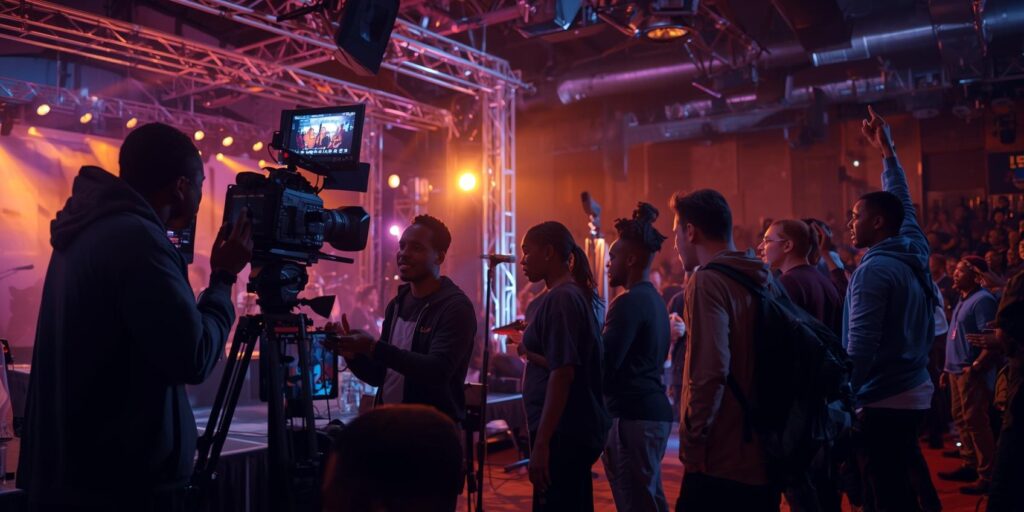
Set up a professional streaming workflow with multiple camera angles that can be switched between, clear audio fed directly from your sound system, on-screen graphics showing speaker names and key points, and smooth transitions between different elements. Your stream should feel like a produced show, not just a stationary camera pointed at the stage.
Assign a dedicated streaming technician whose sole job is managing the broadcast. This person monitors stream health and connection stability, switches between camera feeds at appropriate moments, displays graphics and lower-thirds, monitors and moderates online chat or comments, and troubleshoots technical issues immediately. Don’t ask your videographers or other team members to manage streaming as a side task-it requires full attention.
Engage your online audience actively. Have someone dedicated to interacting with the chat, acknowledge online viewers from stage periodically, answer questions being asked in comments, and create moments specifically designed for the online audience. Remote viewers should feel like valued participants, not passive observers.
Test your entire streaming setup days before the event and again the morning of the event. Do a full run-through with all equipment, check audio levels and video quality, verify your stream is actually visible where you expect it to be, and ensure all graphics and transitions work smoothly. Technical issues during testing are learning opportunities; technical issues during your event are failures.